
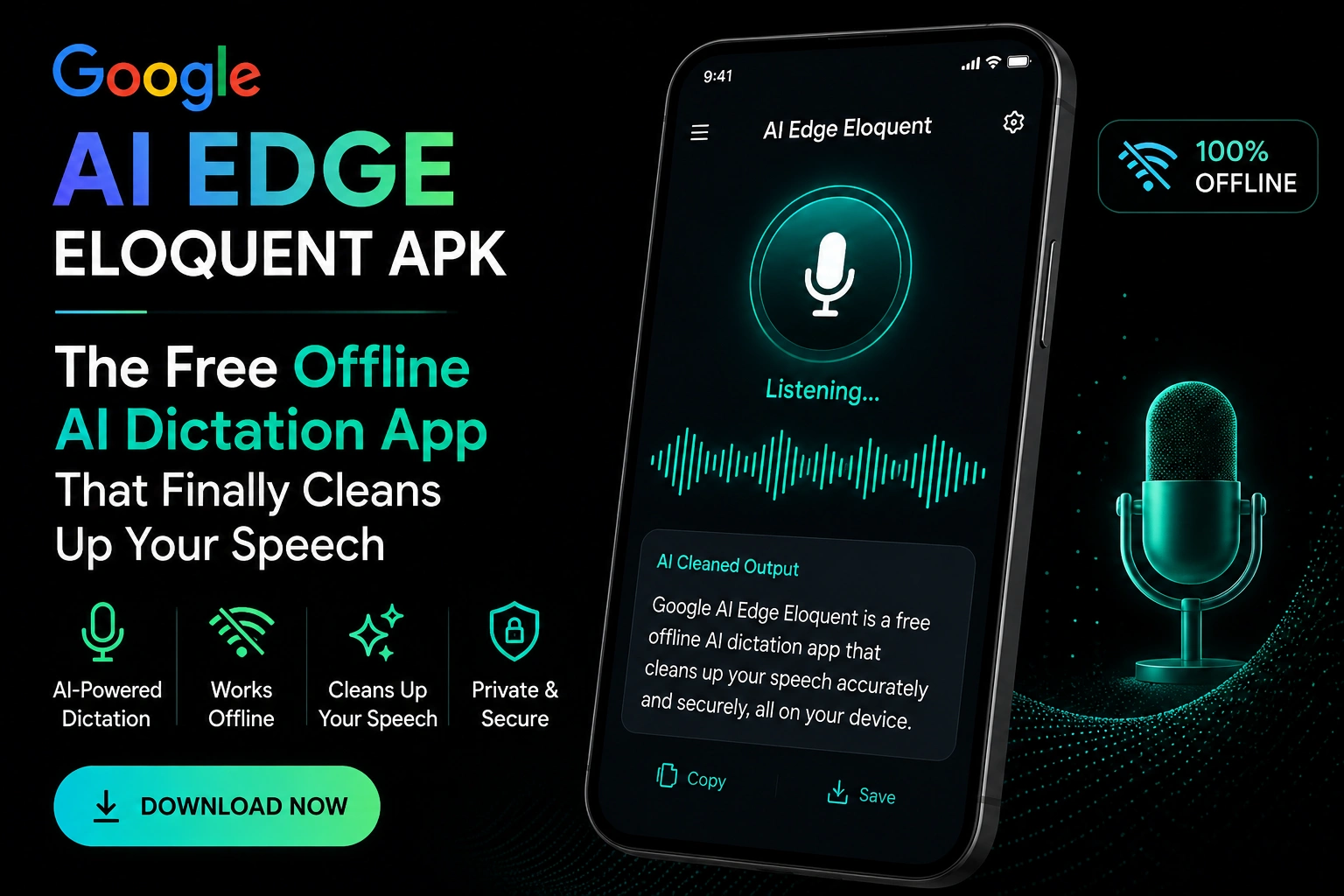
Google AI Edge Eloquent APK : The Free Offline AI Dictation App That Finally Cleans Up Your Speech
Google AI Edge Eloquent APK is platform that work high-performance Generative AI directly on your hardware—fully offline, private, and lightning-fast . Also Experience it .My colleague spends most of his day writing. Fast thinker. Terrible typist. He records voice notes all day long and then sits down every evening to clean them up. Removing the “umms.” Fixing broken sentences. Turning rambling thoughts into something a client can actually read.
He told me once that the editing took almost as long as the original recording. That felt like a waste to him but he had no idea what to do about it.

Then I told him about Google AI Edge Eloquent.
He downloaded it the same evening. Tested it for thirty minutes. Called me afterward and said he wished he had found it two years ago.
That reaction is not unusual. When Google quietly dropped this app on the App Store in early April 2026 with zero announcement and zero press event, the guys who found it on their own had almost the same reaction every time. Surprise that it was free. Surprise that it worked completely offline. Surprise that Google had not made a bigger deal out of releasing it.
Let me walk you through everything. What it does, how it works, why it matters, and what Android users need to know about the APK situation right now.
What is Google AI Edge Eloquent?
Google AI Edge Eloquent is a free AI-powered dictation app built by Google. It sits inside Google’s wider AI Edge platform, which is Google’s name for its collection of tools and apps that run powerful AI directly on your device rather than sending everything off to a server somewhere in the cloud.
The app runs on Gemma, which is Google’s family of open-weight AI models built specifically to work on phones and devices without needing a constant internet connection.
Here is what makes it stand apart from every other dictation app most people have tried. Standard voice-to-text tools have one job. They copy what you say as accurately as they can and hand it back to you word for word. Every filler word you used. Every half-finished sentence. Every trailing thought. Everything lands in your text exactly as it came out of your mouth and the cleanup job is yours to deal with.
Eloquent works differently. It listens to your speech, figures out what you meant to say rather than just what you literally said, and strips out the stumbles before giving you the text. You get clean, readable prose that is ready to use. Not a rough transcript. An actual usable draft.
Table of Contents
Is There a Google AI Edge Eloquent APK for Android?
Let me answer this straight because a lot of Android users are searching for exactly this right now.
As of May 2026, Google AI Edge Eloquent is officially available on iOS only through the Apple App Store. There is no official Google AI Edge Eloquent APK released by Google for Android. The app has not launched on the Google Play Store yet.
If you find websites offering a Google AI Edge Eloquent APK file to download, those files did not come from Google. They have not been tested or verified by Google. Installing unverified APK files from random websites is risky. Those files can carry malware, spyware, or code designed to steal data off your phone. That risk is simply not worth taking no matter how much you want the app right now.
The good news is that the Android version is clearly on the way and clearly close.
The original App Store listing for Eloquent already described Android features in specific detail. It said Android users would be able to set Eloquent as their default keyboard for system-wide access across every text field on the phone. It also described a floating button feature for Android that would let you activate dictation from any screen without opening the app first.
On top of that, Chrome Unboxed reported that the official Eloquent website briefly showed an active “Download for Android” button sitting right at the top of the page. The button was inactive but it was clearly there in plain sight. Someone on Google’s team spotted it had gone live too early and quietly pulled it down. That kind of near-miss does not happen unless the Android version is built and close to being ready.
Wait for the official Play Store release. That is the right move.
How Does Google AI Edge Eloquent Actually Work?
Once you download Eloquent and the Gemma AI models are saved onto your device the whole thing is ready to go. No account required. No subscription. No paywall sitting in front of the features you actually want to use.
Open the app, tap to start recording, and talk normally. As you speak, a live transcription appears on screen in real time. You can watch your words come through as you go. When you pause or stop, Eloquent processes the transcript, removes filler words, and cleans up anything that did not land properly.
After that the cleaned text is automatically copied to your clipboard. Paste it wherever you need it. No extra steps between you and a usable draft.
Below the transcript you get formatting options. Turn the text into key points, make it more formal, make it shorter, or expand it into something longer. These tools let you shape the output to match whatever you are actually trying to produce.
The app also shows usage statistics including your word count and speaking speed in words per minute. Small detail but writers and content guys tend to find it useful to track.
Gadget Hacks confirmed one more feature worth knowing about. Eloquent can pull names, technical terms, and specific vocabulary directly from your Gmail account to improve accuracy. Technical words, names of people you work with, and industry-specific language are exactly the things that trip up standard transcription. Pulling those terms from your email history helps the app handle them properly from the start.
Offline Mode VS Cloud Mode
This is one of the most important things to understand about Eloquent and it deserves a proper explanation.
Eloquent gives you two ways to process your speech.
In offline mode everything happens on your phone. The Gemma AI model that was downloaded during setup handles all the transcription and cleanup locally on your device. Your audio never leaves your phone. Nothing gets sent to Google or any other server. This mode works without any internet connection at all.
In cloud mode your text is sent to Google’s Gemini models in the cloud for a deeper and more thorough cleanup pass. Cloud mode can produce more polished results on complicated sentences but it requires an internet connection and your data does travel to Google’s servers.
Cloud mode is completely optional. You can turn it off and run Eloquent in fully offline mode if that is what you prefer. The offline mode is the default experience and it works very well for the vast majority of everyday writing tasks most people need to get done.
For anyone who cares about privacy, the offline mode is a meaningful option. Voice recordings are personal. They capture your thoughts, your ideas, your conversations. An app that handles all of that processing on your device without sending anything anywhere is offering something that has not been widely available in free tools before now.
What Can You Actually Use Google AI Edge Eloquent For?
This is the practical part. Who benefits from this app and for what kinds of work?
Content writers and bloggers use it to get first drafts down fast. Speaking ideas out loud and getting clean text back is faster for most guys than typing from scratch. The editing step that used to eat up an hour mostly disappears.
Students use it for notes. Lecture notes, study summaries, and essay outlines all come out far cleaner than they would from a standard transcription app.
Professionals writing a lot of emails find it useful for composing messages quickly. Speak the email, get clean text, paste it in, send. The whole thing takes a fraction of the usual time.
Anyone who thinks better out loud than at a keyboard gets real value from it. Some people just find it easier to talk through ideas than to type them. Eloquent bridges that gap in a way that older tools never managed properly.
One situation where Eloquent is not the right tool: any context where you need an exact word-for-word record of what was actually said. Legal notes, medical documentation, official transcripts, and quoted speech all need verbatim accuracy. Eloquent edits your speech. For those situations a verbatim transcription tool is the right call, not Eloquent.
How Does Eloquent Compare to Other Dictation Tools?
The market for AI dictation has grown fast. Wispr Flow is one of the better-known options out there. Apple’s built-in dictation is another. Google Docs Voice Typing has been around for years.
Eloquent sits in an interesting spot compared to all of them.
Google Docs Voice Typing is free but it sends your audio to Google’s servers and gives you a verbatim transcript. No cleanup. No filler word removal. What you said is what you get.
Apple’s built-in dictation does on-device processing on newer iPhones but again gives you verbatim results. The stumbles stay in.
Wispr Flow does intelligent cleanup similar to what Eloquent does but it charges a subscription for the better features.
Eloquent offers intelligent cleanup, on-device processing, full offline capability, and it is completely free. That combination is what makes people react the way my colleague did after thirty minutes with it.
What Is the Google AI Edge Platform?
Eloquent is part of something bigger. Google AI Edge is Google’s platform for running AI directly on devices rather than in the cloud. The whole point is that powerful AI should not need a server connection every single time you use it. It should run on your phone, your tablet, or your laptop directly without waiting for a round trip to a server somewhere.
The other main app in the AI Edge family is Google AI Edge Gallery. Unlike Eloquent, the Gallery app is already available on both iOS and Android through the Play Store. It is more of a developer and enthusiast tool. It lets you download Gemma models directly onto your device, run them locally, test their performance on your hardware, and explore what on-device AI can actually do. The Gallery app is open-source and its code is publicly available on GitHub for anyone who wants to dig into it.
Eloquent is the consumer-facing side of the same platform. Where Gallery is built for guys who want to explore AI models hands-on, Eloquent is built for people who just want to speak and get clean text back without thinking about what is happening underneath.
Conclusion: Android Users, Your Wait Is Almost Over
Google AI Edge Eloquent does one thing and does it properly. You talk. It listens. It gives you back clean readable text without making you do the editing yourself.
For iOS users the app is already there, free, and ready to use right now. Search for Google AI Edge Eloquent in the App Store, download it, and give it a week. If you write emails, take notes, draft content, or just think faster than you type, you will probably feel the same way my colleague did after his first thirty minutes with it.
For Android users the honest message is this. There is no safe APK to download right now. The official version has not landed on the Play Store yet. But every signal points to it arriving soon. The App Store listing describes Android features in detail. Chrome Unboxed confirmed the Android download button appeared briefly on the official site before being pulled. Google I/O 2026 is on May 19.
Skip the unofficial files. They are not worth the risk. Watch the Play Store. When Eloquent arrives officially on Android, it will be worth every day of the wait.
Frequently Asked Questions
Is there an official Google AI Edge Eloquent APK for Android?
No. As of May 2026 the app is only officially available on iOS through the Apple App Store. Google has not released an official Android APK and has not launched the app on the Google Play Store yet. An Android version is clearly close based on multiple signals but has not officially arrived.
Is it safe to download a Google AI Edge Eloquent APK from a third-party website?
No. Any APK file found on unofficial websites did not come from Google and has not been verified as safe. Installing unverified APK files carries real security risks including malware and data theft. Wait for the official Google Play Store release.
Is Google AI Edge Eloquent free to use?
Yes. The app is completely free. Both offline mode using on-device Gemma models and cloud mode using Gemini are available at no cost. Google has not announced any paid plans as of May 2026.
Does Google AI Edge Eloquent APK work without internet ?
Yes. Once the Gemma models are downloaded during setup, the app runs entirely offline. Your audio stays on your device and nothing is sent to any server when offline mode is active.
Is it safe to download a Google AI Edge Eloquent APK from a third-party website ?
No. Any APK file found on unofficial websites did not come from Google and has not been verified as safe. Installing unverified APK files carries real security risks including malware and data theft. Wait for the official Google Play Store release.
What AI model powers Google AI Edge Eloquent ?
Eloquent runs on Gemma-based automatic speech recognition models. Gemma is Google’s family of open-weight AI models built for on-device use. The optional cloud mode uses Google’s Gemini models for more advanced text refinement.
How is Eloquent different from Google Docs Voice Typing ?
Google Docs Voice Typing sends your audio to Google’s servers and returns a verbatim transcript with no cleanup. Eloquent processes your speech on-device in offline mode and intelligently removes filler words and stumbles before returning clean text. Eloquent also works across any app, not just Google Docs.

Haider Ali is an AI and SEO specialist with 1–2 years of hands-on experience in On-Page SEO, Technical SEO, and AI tools. He runs AI Expert Services to help freelancers and small businesses grow smarter.


